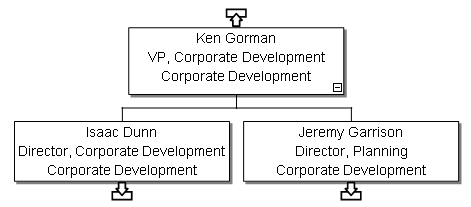
Box Layout Using the Quick Chart Panel
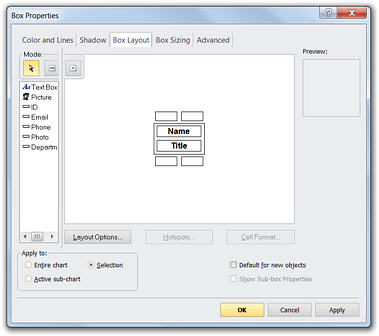
To specify which fields are shown in a box, select the  Edit Box Layout button
in the Quick Chart panel. OrgPlus displays the Box Layout
tab in the Box Properties dialog box, which lets you specify which
fields are displayed in any given box.
Edit Box Layout button
in the Quick Chart panel. OrgPlus displays the Box Layout
tab in the Box Properties dialog box, which lets you specify which
fields are displayed in any given box.
To display a field in a box:
1
Drag a field (such as Org Unit) into the box until you
see the  symbol, then release the mouse
button.
symbol, then release the mouse
button.
See Adding Fields Using the Quick Chart Panel.
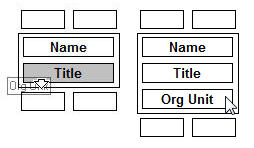
If you want to remove a field from a box, drag the field out of the box (shown in the Box Layout tab) back into the field list.
Note: You can apply the layout changes to all boxes in the chart by selecting the Entire chart option.
2 Click OK. Notice that the field is added to the selected boxes. You can now define the value of this field for each box in your chart (see Editing Box Content Using the Quick Chart Panel).
Note: You can select more than one box at a time using Shift + click.